
AI Prompt - Find the Right Prompt for Every Creative Idea
Find the Right Prompt for Every Creative Idea
Choose a prompt close to the result you want. Adjust the subject, style, lighting, or camera, then use it to generate images or videos without writing from scratch.
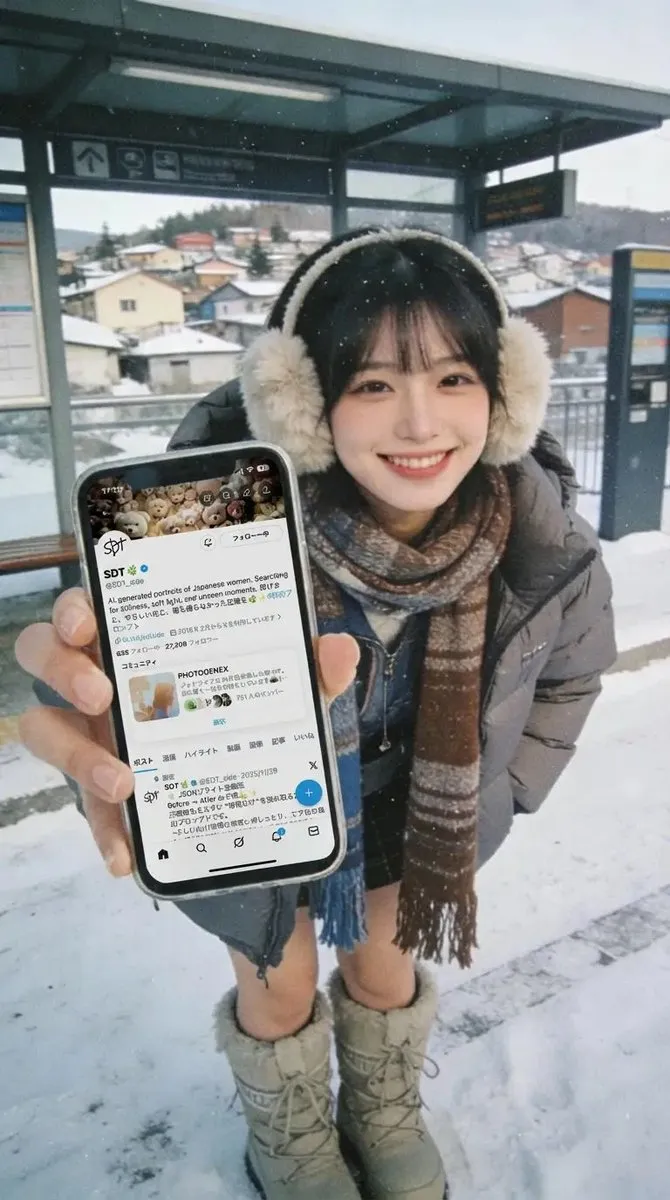
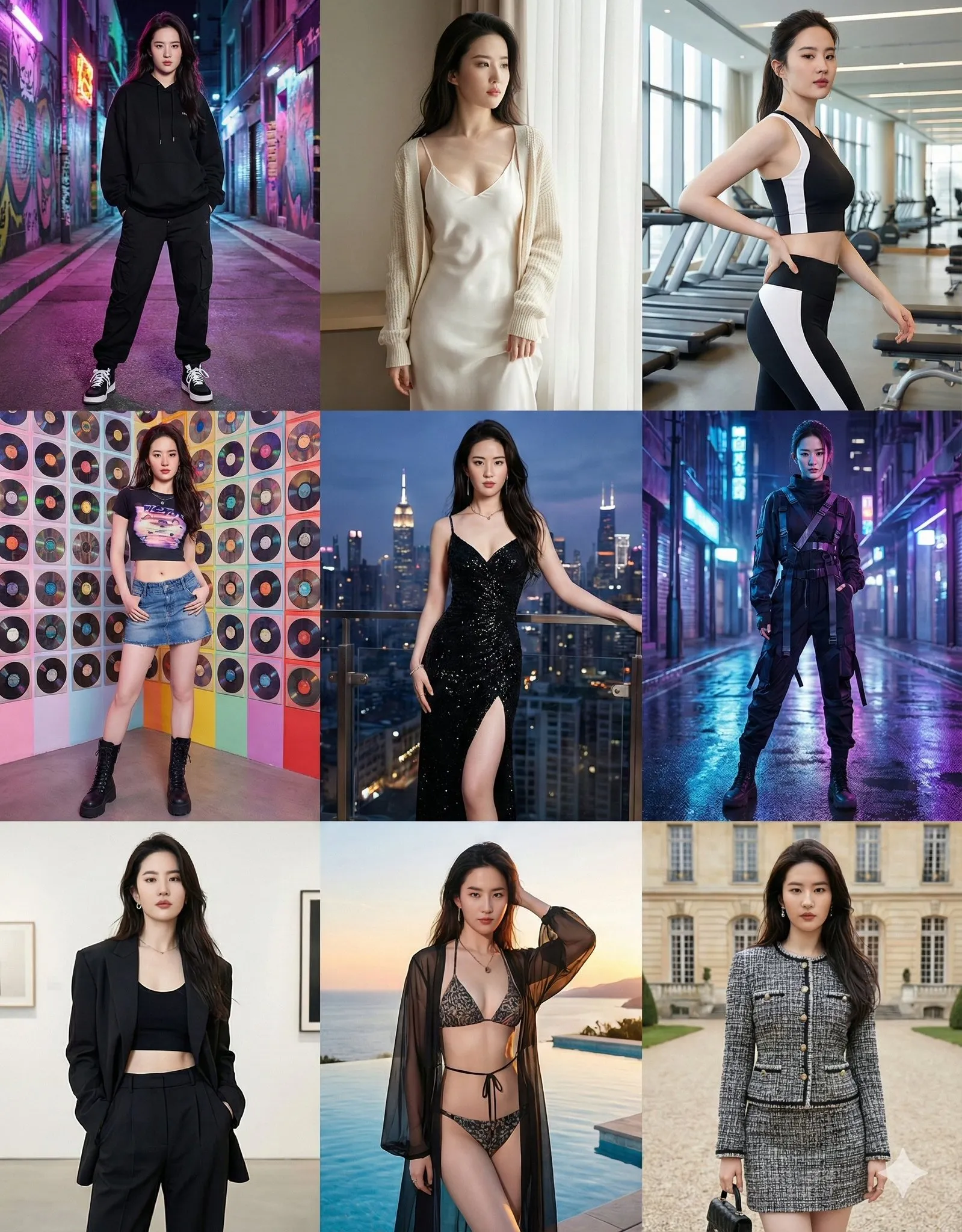
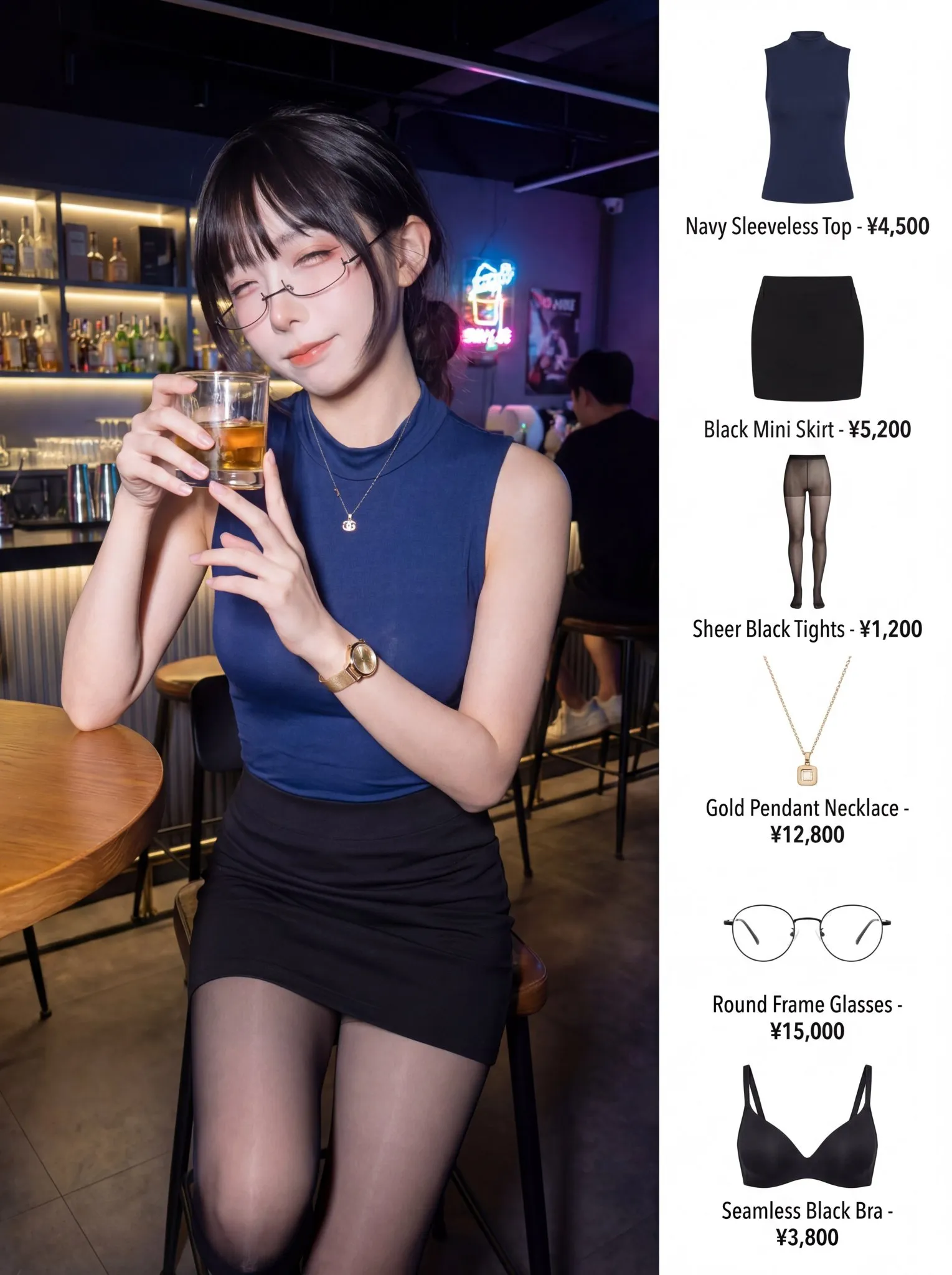
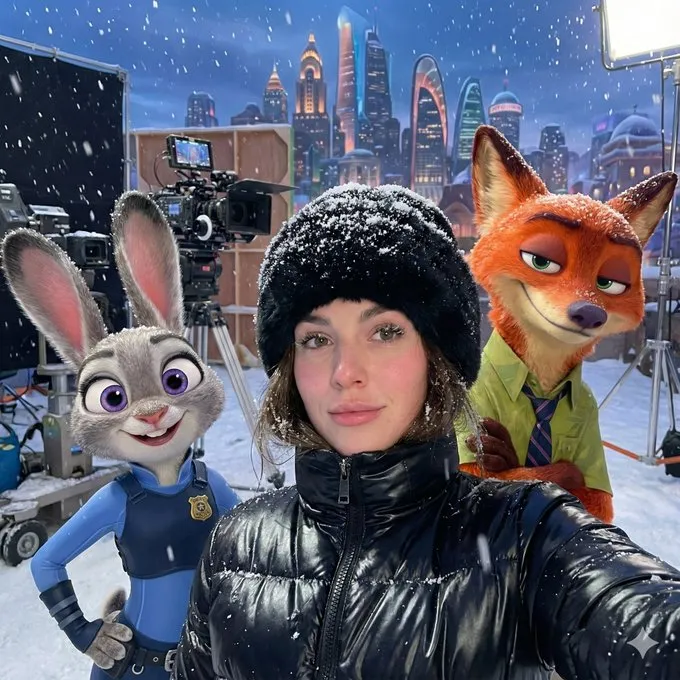
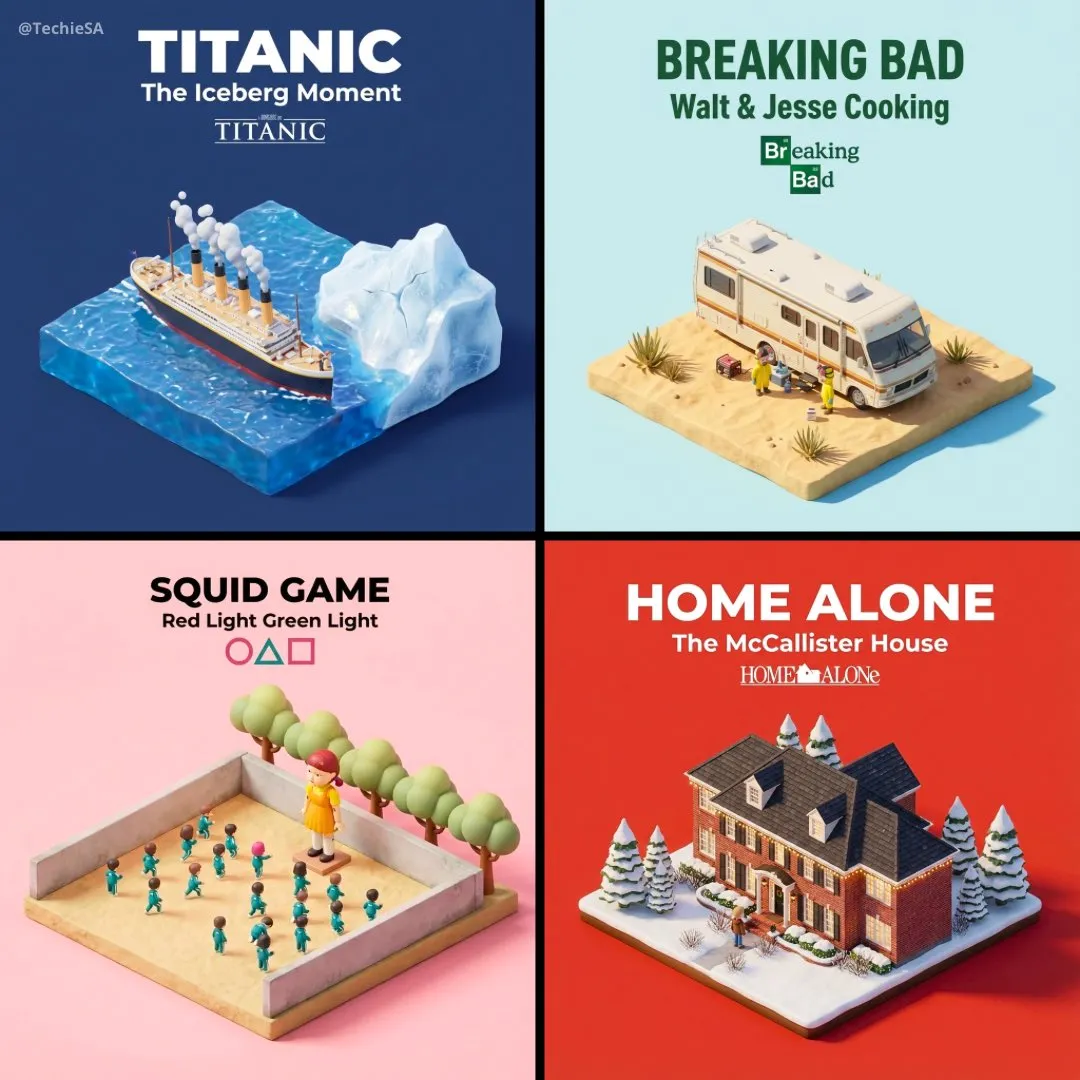
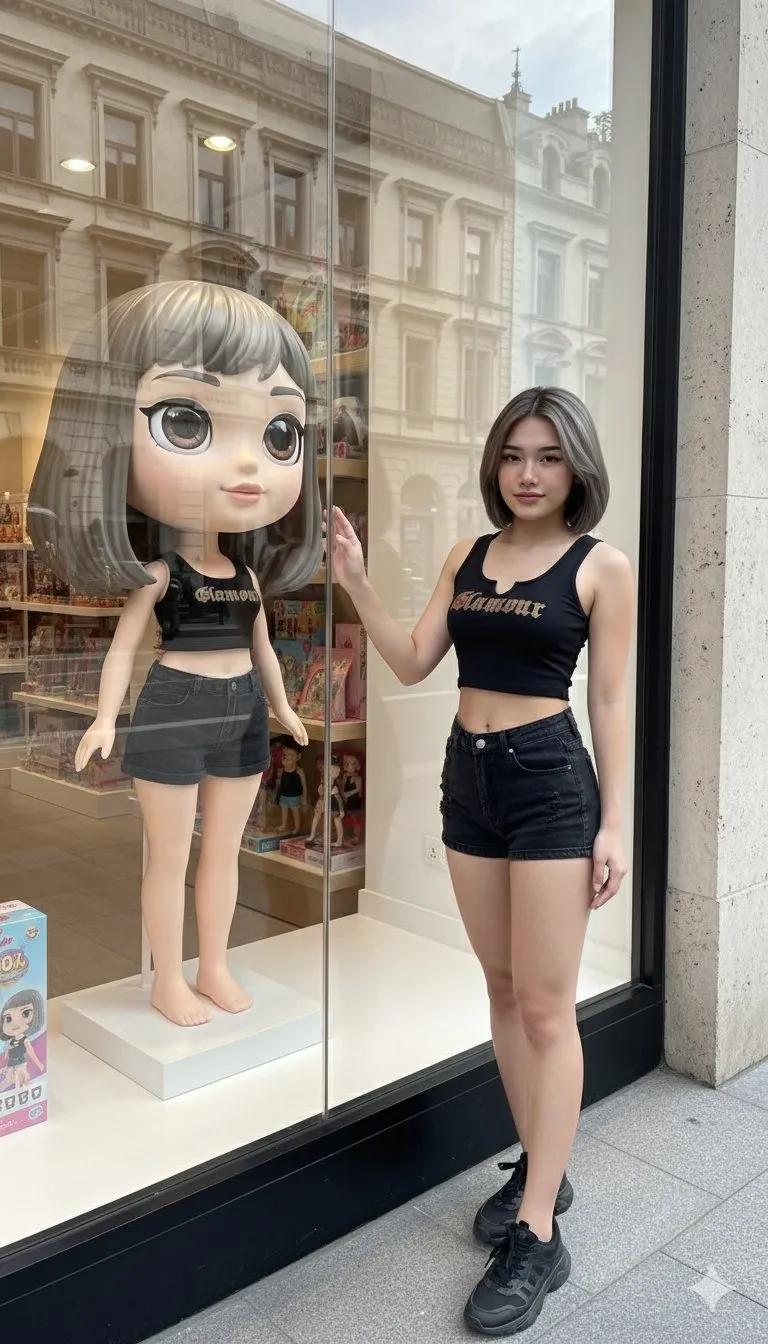
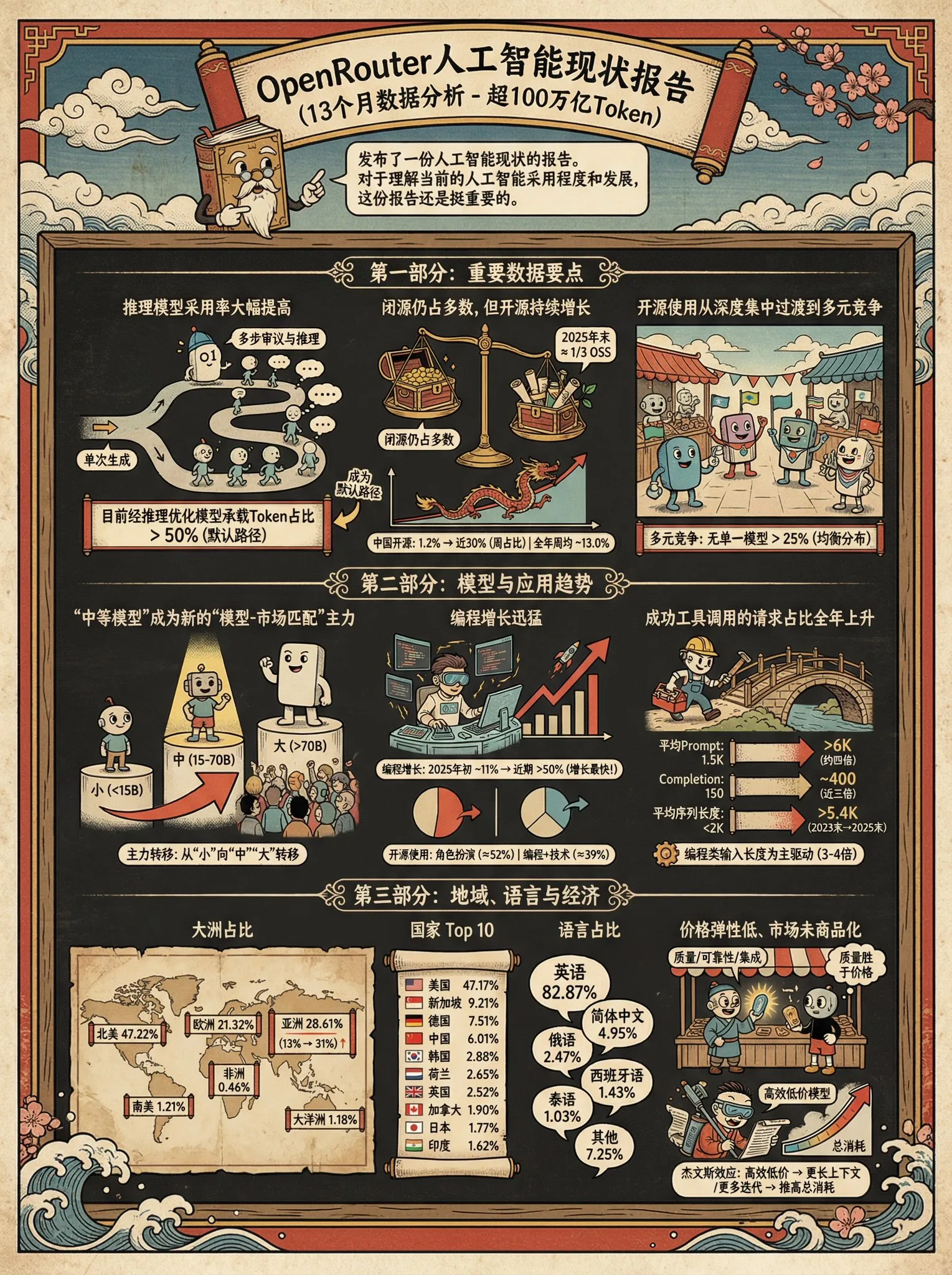
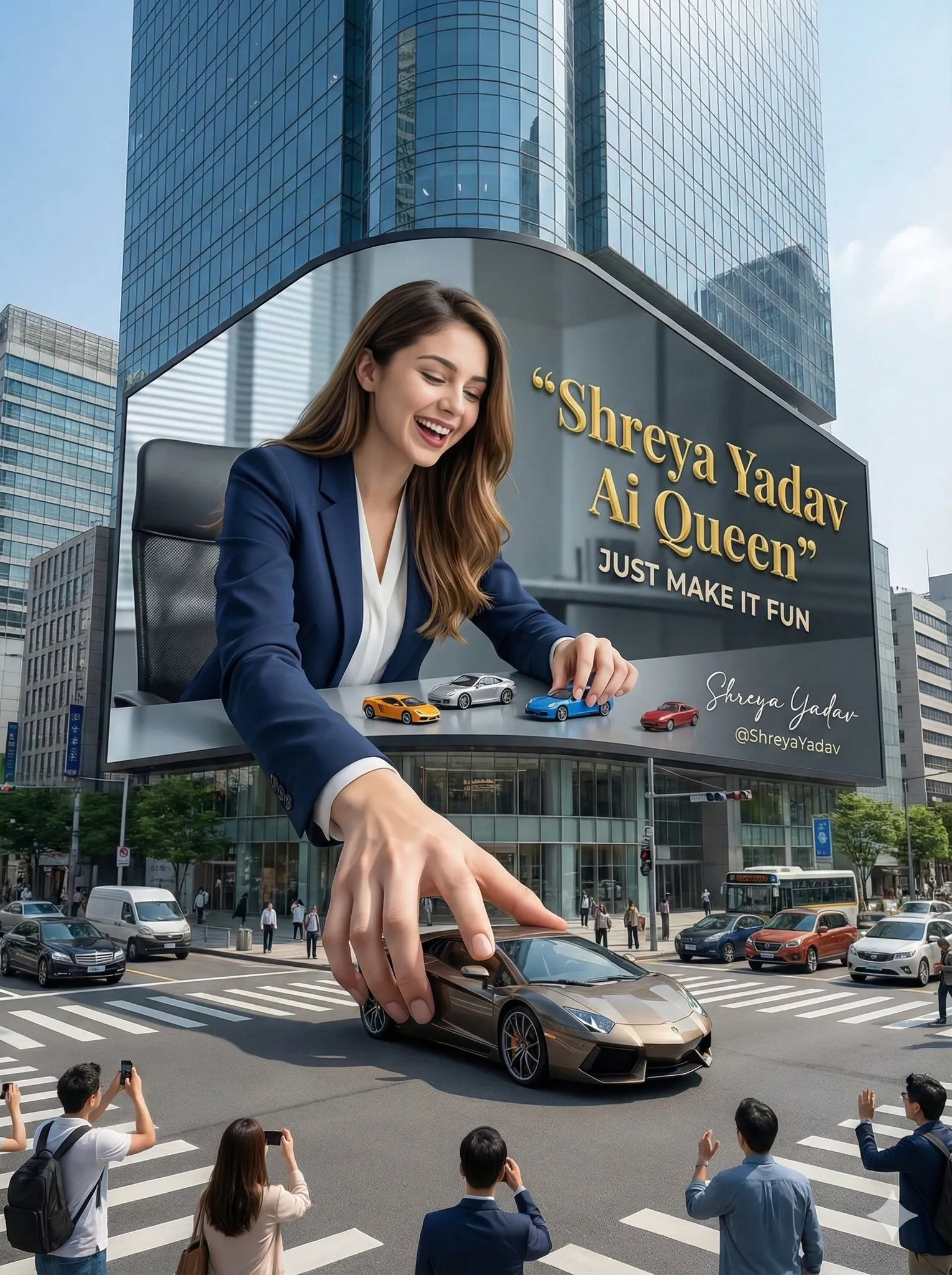
Popular AI Prompts
Find a style you like among popular AI prompts, adjust the details, and create your own version.
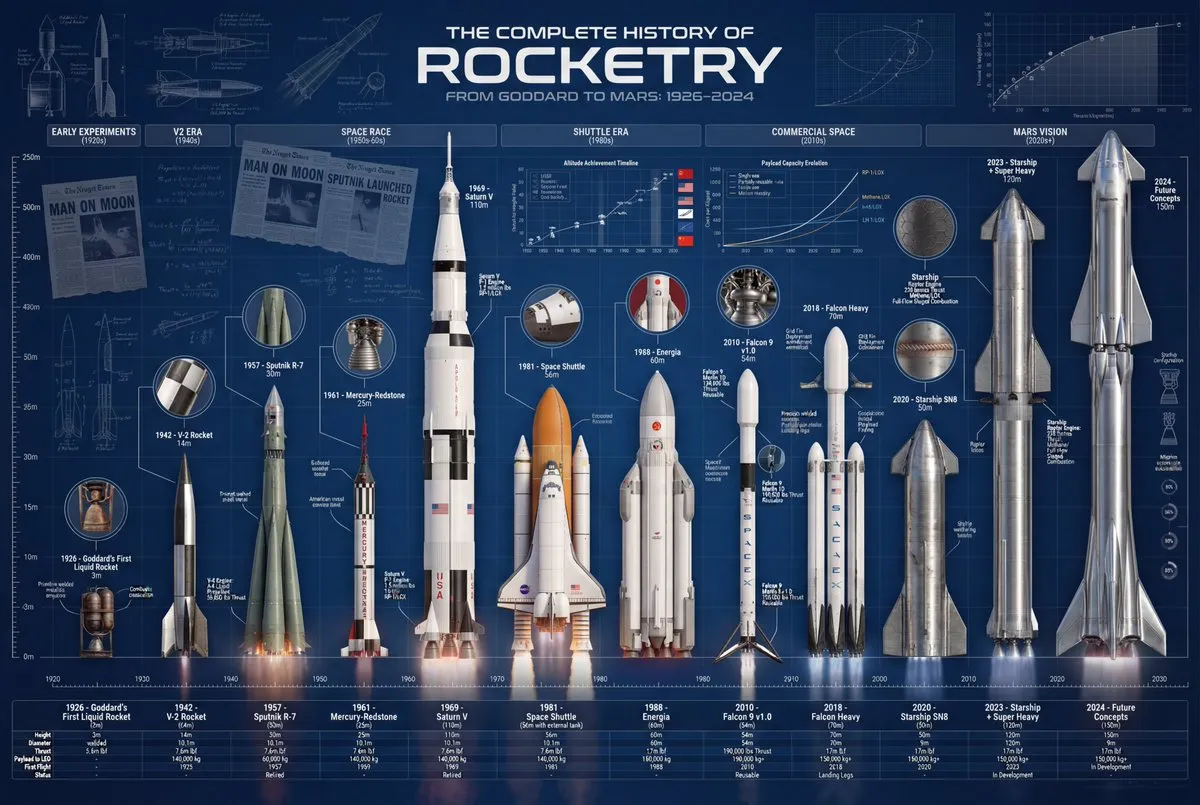
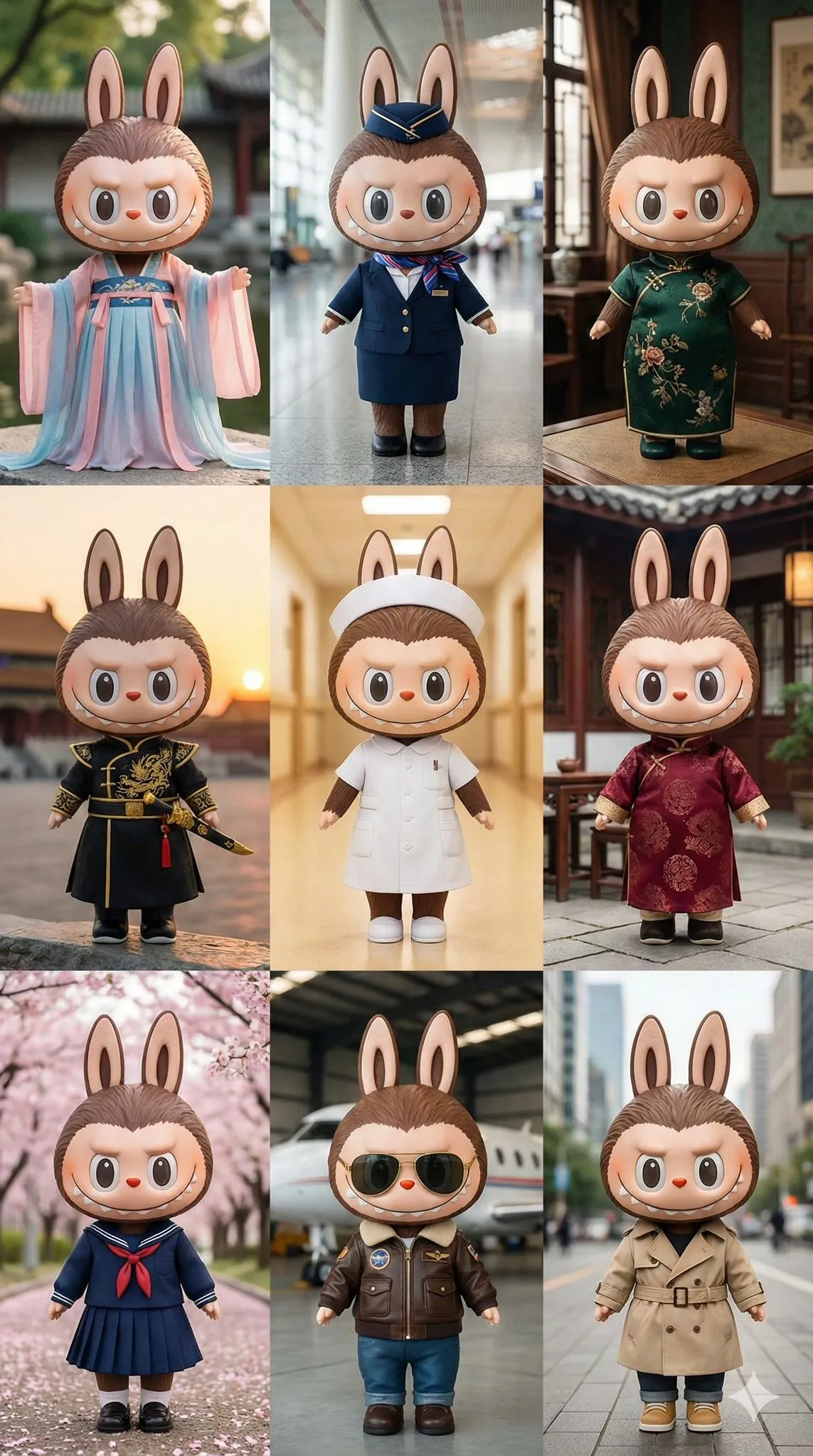
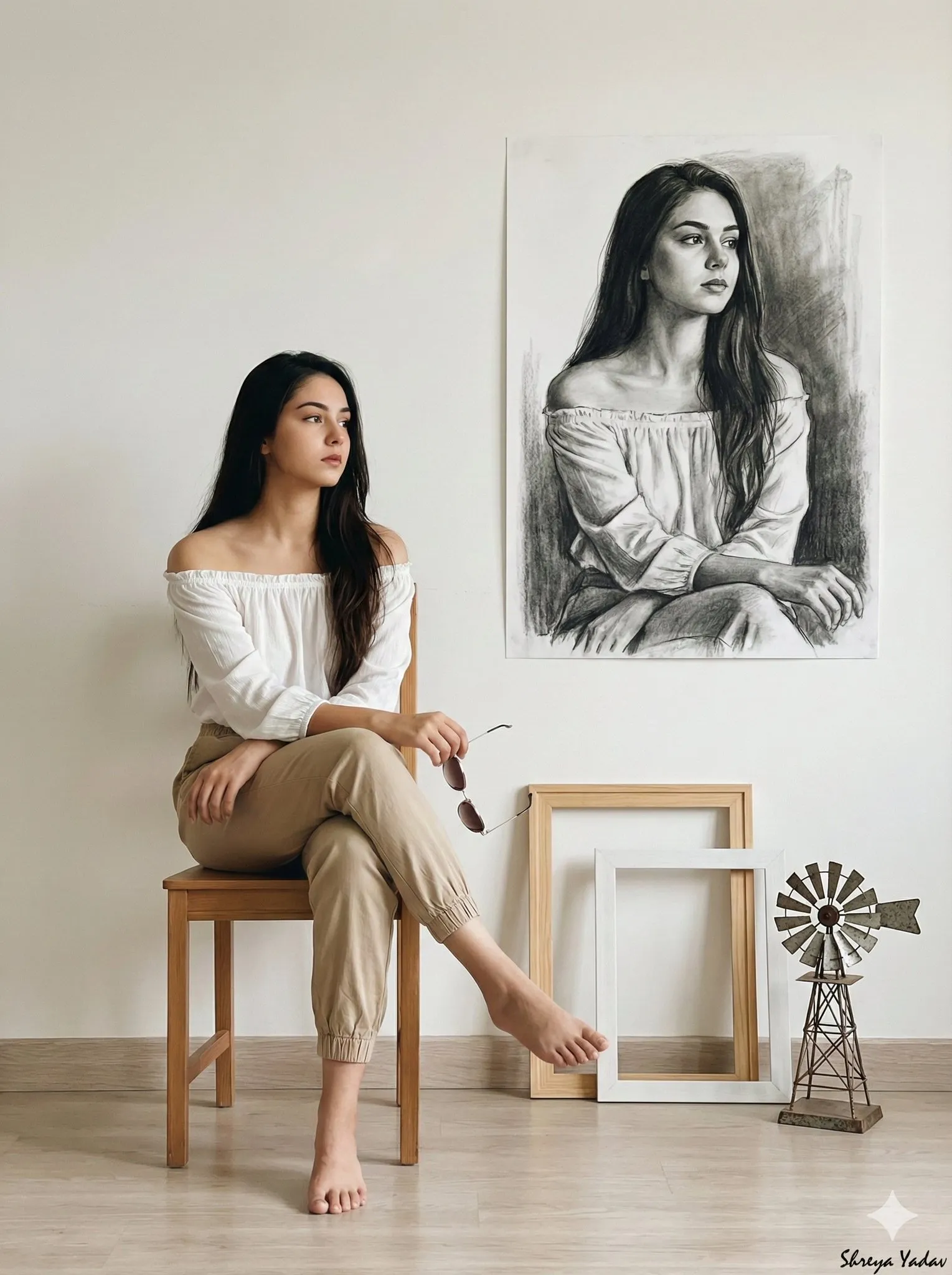
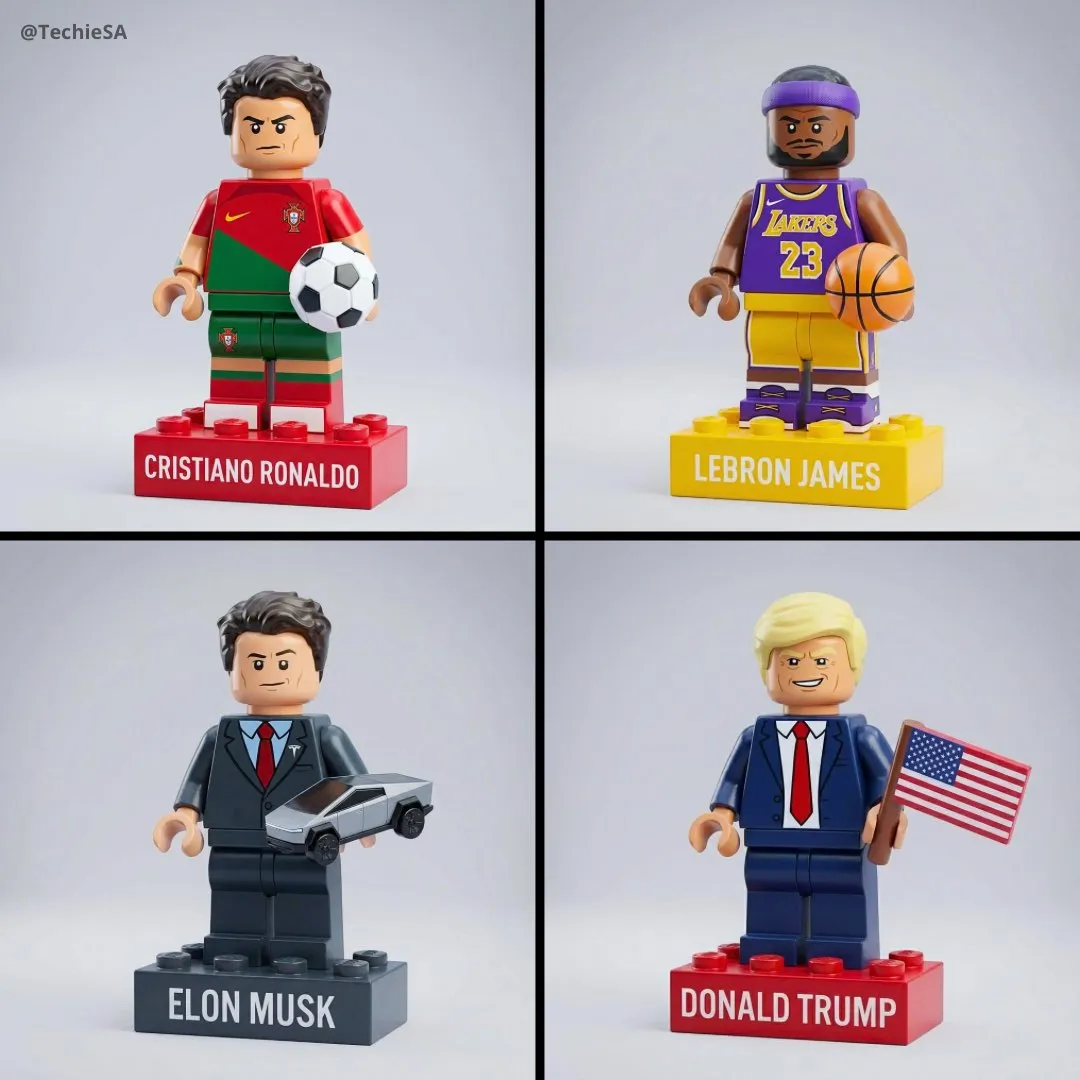
Why Use This AI Prompt Library?
Move from a broad idea to a structured prompt with model-aware examples, clear categories, and reusable creative details.
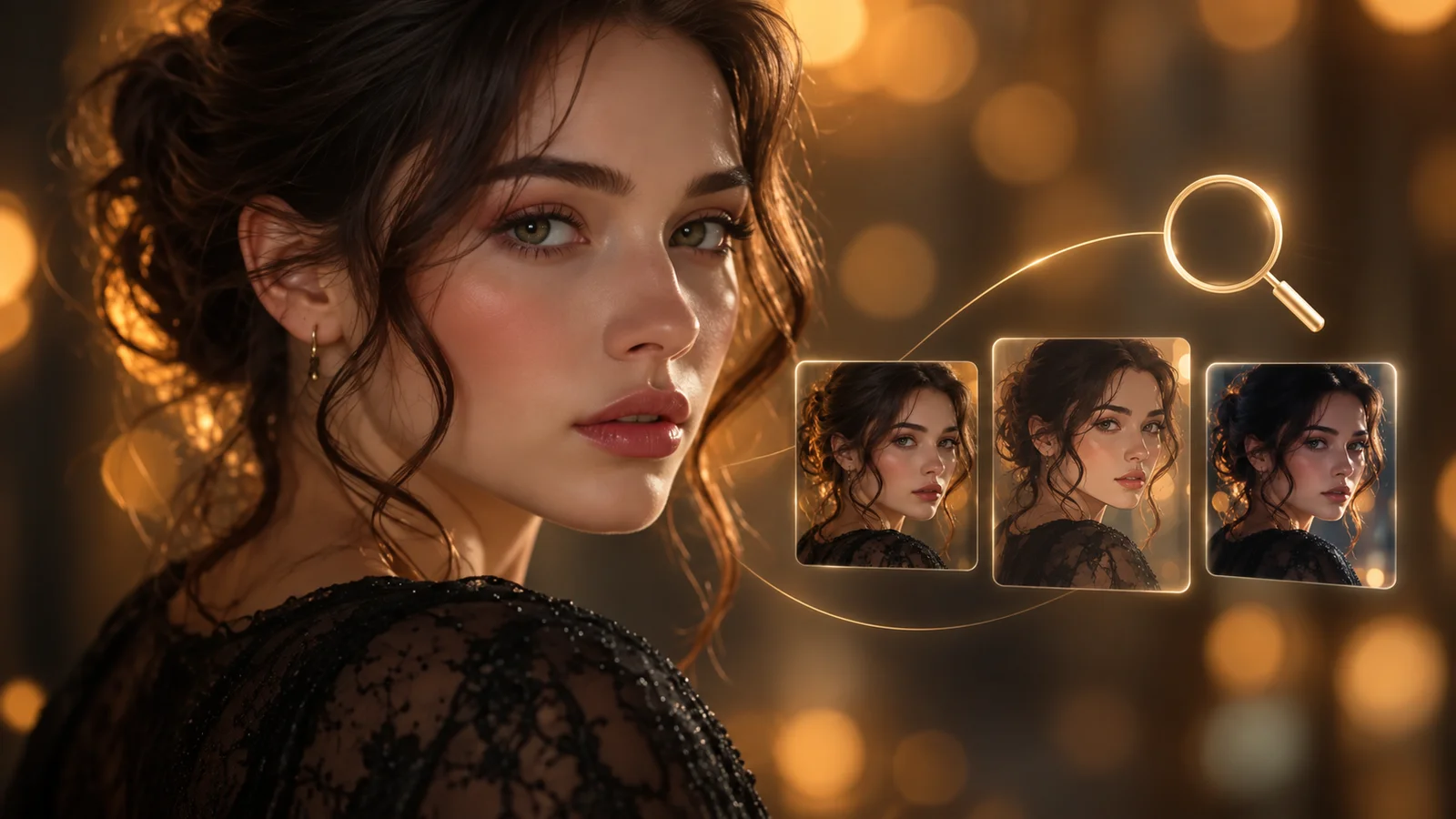
Search Across Models and Trends
Explore AI prompts by model, creative category, or current trend. Find focused starting points for model-specific ideas, seasonal topics, and timely visual concepts without browsing scattered collections.
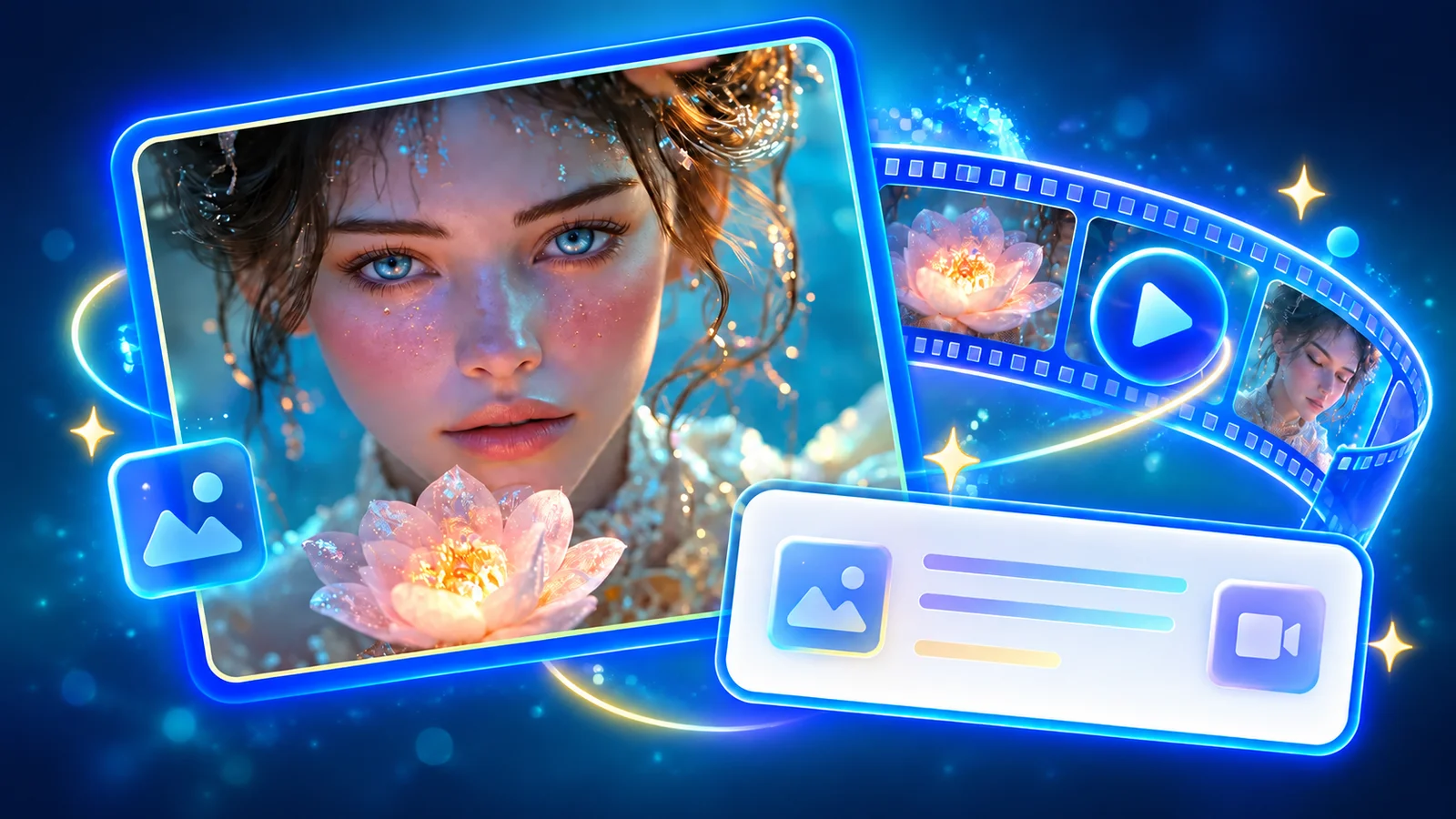
Browse Image and Video Prompts
Choose prompts built around the needs of each medium. Image prompts can define composition, lighting, lens, and style, while video prompts can add action, camera movement, timing, and scene transitions.
Copy and Customize Prompt Recipes
Start with a reusable prompt structure, then replace the subject, setting, mood, color, format, or other creative details. Keep the useful framework while making every prompt fit your own idea.
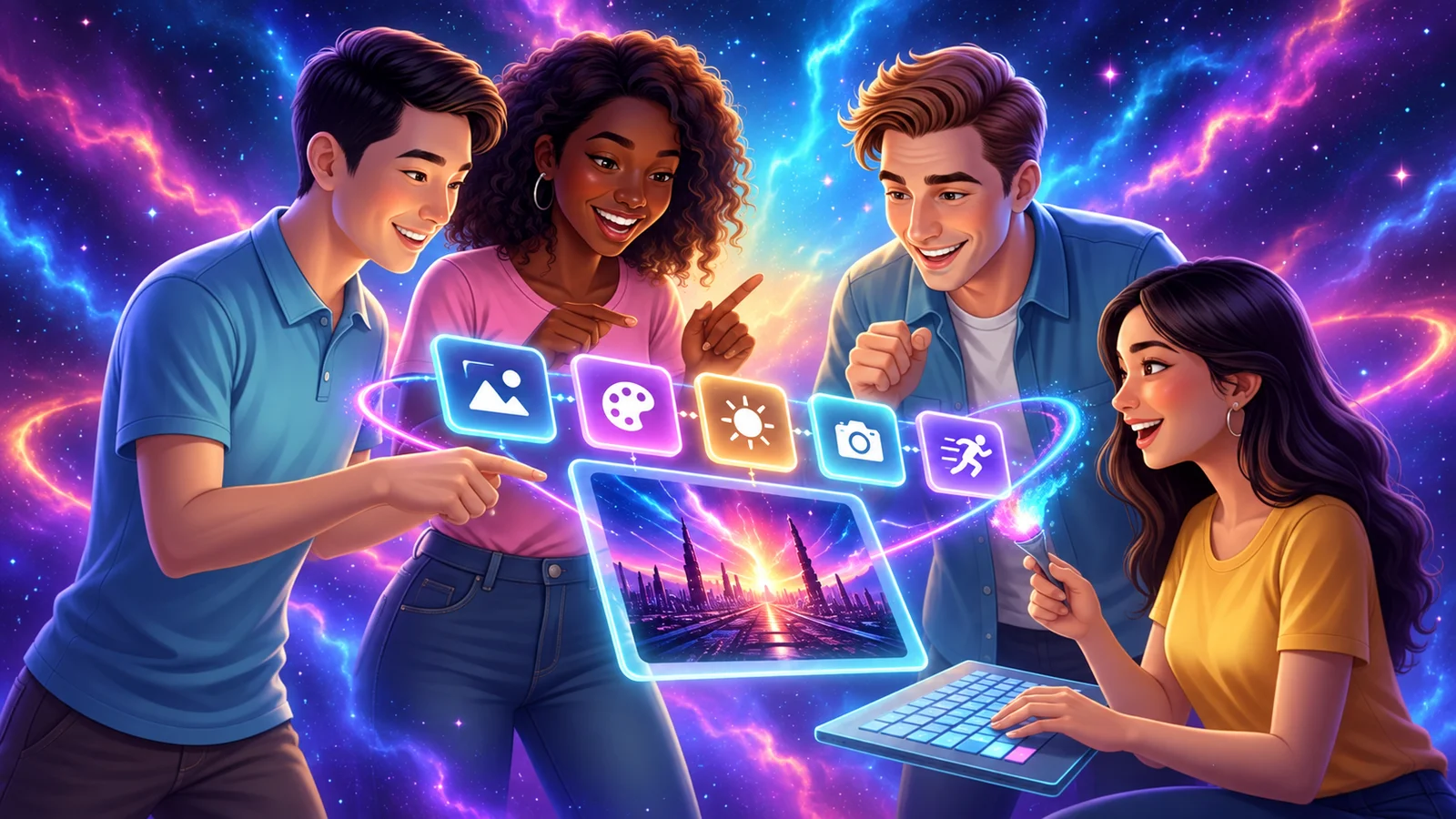
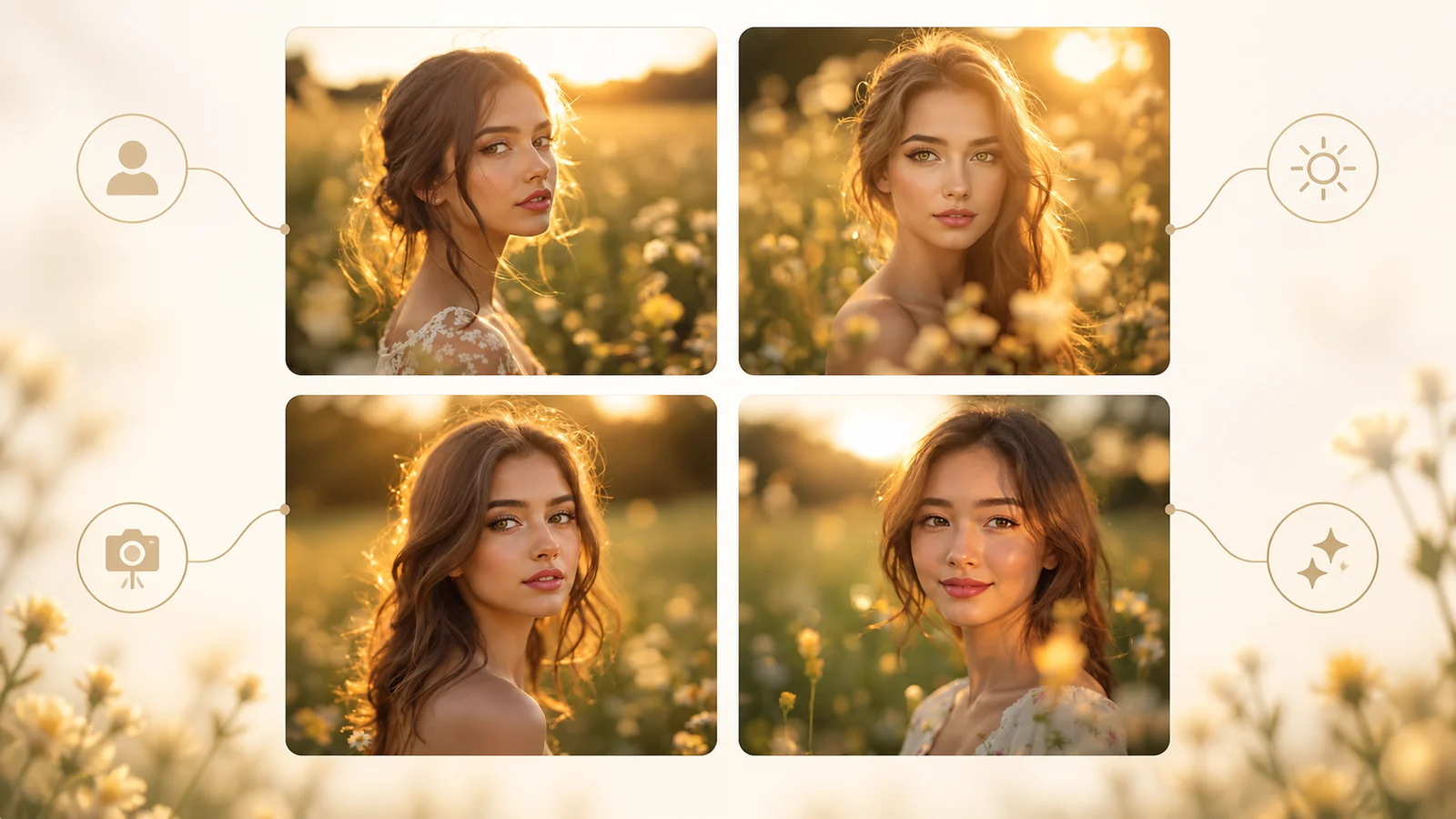
Build Clear Creative Direction
Use structured examples to describe what should appear, how it should look, and how the scene should behave. Clear prompt details make it easier to test variations and refine the output with purpose.
How to Use the AI Prompt Library
Find, personalize, and test an AI prompt in three practical steps.
Search and Filter
Enter a topic or browse by model, image, video, category, or trend. Open the prompt example that best matches the result you want to create.
Copy and Personalize
Copy the prompt and replace its key details with your subject, environment, style, camera, lighting, motion, aspect ratio, and intended use.
Generate and Refine
Paste the adapted prompt into your chosen AI image or video tool. Review the result, then adjust specific details and test another version until the output matches your direction.
AI Prompts for Every Creative Workflow
Use focused prompt examples to move faster across image creation, video production, and content planning.

Image Creators and Designers
Find prompts for portraits, products, illustrations, posters, social graphics, concept art, and other image workflows. Adapt composition, color, material, typography, and visual style for each project.
Video Creators and Storytellers
Build prompts for cinematic shots, short clips, product videos, character movement, camera paths, and scene transitions. Clarify what happens over time instead of describing only a still frame.
Marketing and Content Teams
Turn campaign themes, product messages, seasonal events, and trending topics into repeatable visual briefs. Customize prompt templates for ads, landing pages, social posts, and editorial content.
Simple, Transparent Pricing
Choose the perfect plan for your needs. Save 33% with yearly billing — pay for 8 months, get 12 months of credits.
Starter
- Per 100 credits$3.33
- vs Monthly-33%
- Best forCasual users
- Pay 8 months, get 12
- Cancel anytime
- Monthly refresh, unused expire
Standard
- Per 100 credits$2.22
- vs Monthly-33%
- Best forRegular creators
- Pay 8 months, get 12
- Cancel anytime
- Monthly refresh, unused expire
Premium
- Per 100 credits$1.67
- vs Monthly-33%
- Best forPower users
- Pay 8 months, get 12
- Cancel anytime
- Monthly refresh, unused expire
Studio
- Per 100 credits$1.48
- vs Monthly-33%
- Best forStudios / agencies
- Pay 8 months, get 12
- Cancel anytime
- Monthly refresh, unused expire
FAQs About AI Prompts
Answers about prompt libraries, prompt structure, customization, image and video workflows, and model compatibility.
Find Your Next AI Prompt
Explore the AI prompt library, choose an example for your model or creative format, and turn it into a prompt that fits your next image or video project.